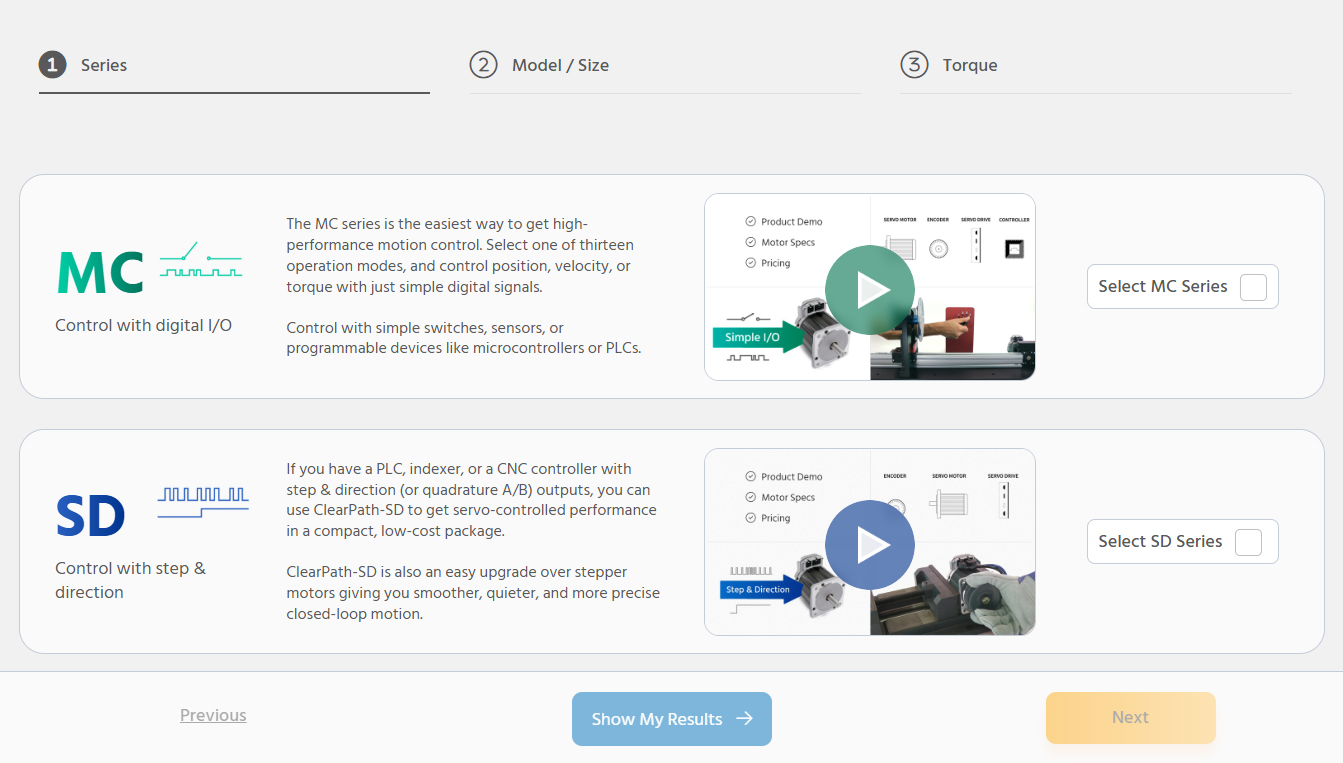
Relatively simple applications where excellent servo performance is desired, but minimal software development is preferred. Applications can be controlled with simple digital I/O or even switches and buttons.
Applications where the user has (or wants to use) a controller with step and direction (S&D) outputs. Many low-cost CNC controllers output S&D. Most applications that use stepper motors can be upgraded to ClearPath-SD because steppers are usually controlled by S&D controllers.
OEM machine automation (point-to-point motion) where motors are relatively close together (generally all motors are within 100 feet of each other). Applications where the user wants the controller integrated into the servo system (ie, there is no need for a third-party controller).
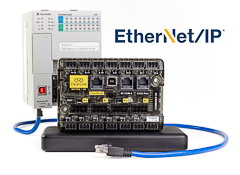
Applications where the user has (or wants to use) an EtherNet/IP master controller. Commonly used in factory and industrial automation, where motors may be separated by up to hundreds of feet.
Applications where the user has (or wants to use) an EtherCAT master controller. Commonly used in: factory automation where motors are separated by hundreds of feet; CNC applications; replacement of lineshaft/cam systems, and applications with extreme realtime perfomance requirements.
Excellent. All ClearPath series use the same high-performance servo hardware and algorithms.
Excellent. All ClearPath series use the same high-performance servo hardware and algorithms.
Excellent. All ClearPath series use the same high-performance servo hardware and algorithms.
Excellent. All ClearPath series use the same high-performance servo hardware and algorithms.
Excellent. All ClearPath series use the same high-performance servo hardware and algorithms.
Digital I/O (e.g., from a PLC, switches, buttons, etc.)
A motion controller that outputs step and direction (or quadrature) signals (e.g., Teknic ClearCore, PLC motion card, etc.)
A third-party EtherNet/IP master controller (typically a PLC, but software controllers exist as well).
A third-party EtherCAT master controller (s/w or hardware-based) plus host CPU if not integrated with the master controller.
$
$ - $$
$ - $$
$ - $$$
$$$ (might be $$$$ depending on chosen master controller)
N/A (not a networked product)
N/A (not a networked product)
Fast enough for most machine control applications of less than 48 axes, especially by using multi-threaded features;~1,000 commands per second
Network speed will be determined by the master controller's RPI. Within any given four-axis subsystem, tight (sub-0.2-microsecond) synchronization is available through IP-SYNC™ technology.
Fast enough for virtually any application of any size (even hundreds of axes)
N/A (not a networked product)
N/A (not a networked product)
Yes
Yes—Static IP addresses are also supported
Yes
Yes (optional)
No
Yes (optional)
Yes (optional)
No
Limited
Yes (features depend on third-party controller)
A variety of built-in trajectory types. For advanced users, arbitrary motion profiles (e.g., for CNC) can be done using step and direction signals from an appropriate controller in conjunction with networked control as desired
Limited. ClearPath-IP supports down to 1ms RPIs, which allows for some advanced trajectory generation, but it is typically not used for CNC.
Yes (features depend on third-party controller)
IP53, or IP67 and IP66K (optional)
IP53, or IP67 and IP66K (optional)
IP53, or IP67 and IP66K (optional)
IP53, or IP67 and IP66K (optional)
All models are IP67 and IP66K
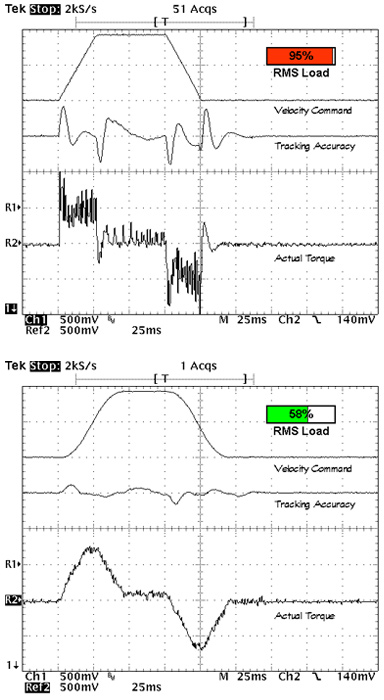
A digital output signal can be configured to provide one (or 2-3) status bits (e.g., torque being used, position tracking accuracy, fault conditions, etc.)
A digital output signal can be configured to provide one (or 2-3) status bits (e.g., torque being used, position tracking accuracy, fault conditions, etc.)
All status/parameters can be queried by software during program execution.
All status/parameters can be queried by software during program execution.
All status/parameters can be queried by software during program execution.
Limited. All parameters are set up in advance during servo configuration, but certain parameters can be changed using I/O depending on operating mode.
Position, velocity, acceleration (etc.) are implicitly controlled with the step and direction signals. All other parameters are set up in advance during servo configuration.
Yes
Yes
Yes






























 More User Benefits